
This is the user manual of HP Photosmart C6200 All-in-One series, which mainly introduces how to use the product, including setup, printing, scanning, copying, maintenance, etc.
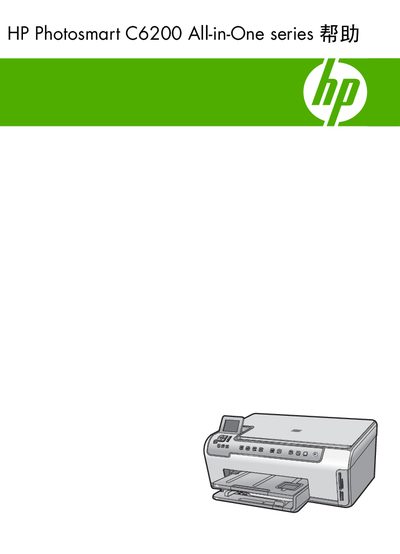
This manual covers the HP Photosmart C6200 All-in-One printer, describing its hardware features, control panel, and supported media. It guides users through initial setup, network connection, and software installation.
The document is organized into sections on operating the printer (printing, scanning, copying, photo functions), maintaining the device, troubleshooting common issues, and warranty support. Technical specifications and regulatory information are also included. This manual is written in Chinese.
| Maximum black‑and‑white print resolution | 1200 × 1200 dpi |
|---|---|
| Maximum color print resolution | 4800 × 1200 dpi (optimized) |
| Maximum optical scan resolution | 4800 × 4800 ppi |
The printer can print black‑and‑white at up to 1200 × 1200 dpi.
Use the cleaning function described in the Maintenance section (see section 12).