
Key facts
Start here
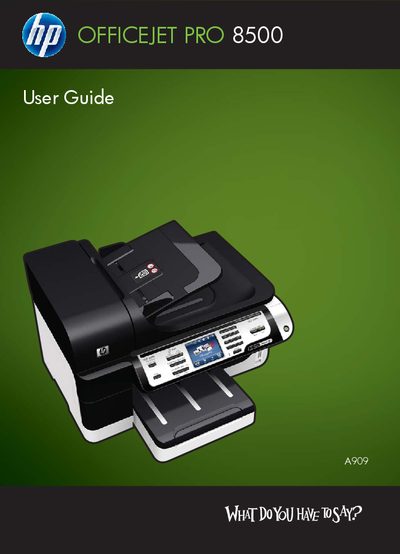
HP Officejet Pro 8500 (A909) All-inOne Series User Guide
This guide covers the HP Officejet Pro 8500 All‑in‑One series, describing safety precautions, hardware layout, and required accessories. It walks you through getting started, installing optional components such as the duplexer and tray 2, and configuring the device for printing, scanning, faxing, and copying.
Later sections explain how to use the control‑panel menus, manage memory devices, set up fax and network features, adjust print and copy settings, and perform routine maintenance and troubleshooting.
All HP Officejet Pro 8500 documents by type
Day-to-day operation, settings and troubleshooting. Start here if the product is already set up.
Questions answered in these manuals
How do I install the duplexer?
The duplexer is installed in the accessories section of the guide.
From: HP Officejet Pro 8500 (A909) All-inOne Series User Guide
How can I send a fax with this printer?
Use the fax functions described in the Fax chapter of the guide.
From: HP Officejet Pro 8500 (A909) All-inOne Series User Guide