
Key facts
- Brand
- HP
- Model
- Photosmart 720
- Category
- Digital cameras
- Documents
- 3
- Languages
- EN · ZH
- Last added
- 2026-09-28
Start here
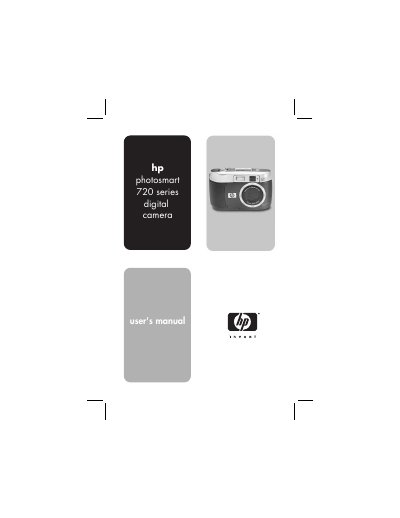
HP Photosmart 720 Digital Camera User Guide
This guide walks you through getting started with the HP Photosmart 720 digital camera, covering camera parts, battery and memory‑card installation, language selection, date and time setup, and software installation for both Windows and Macintosh. It explains how to take still pictures, use focus lock, record video and audio, apply zoom, flash, and self‑timer or burst modes, and adjust image quality.
Later sections describe playback functions, menu navigation, HP Instant Share for printing or emailing images, connecting to a TV or computer via the optional Camera Dock, and a comprehensive troubleshooting and support chapter. An appendix provides detailed specifications and information on batteries, accessories, and the Camera Dock.
HP Photosmart 720 specifications
| Connectivity | Standard USB front and back ports |
|---|---|
| In tray capacity | 25 sheets of photo paper |
| Supported operating systems | Windows 98, 2000 Professional, ME, XP Home, XP Professional |
| Image file formats | JPEG Baseline, TIFF 24‑bit RGB uncompressed, etc. |
All HP Photosmart 720 documents by type
Day-to-day operation, settings and troubleshooting. Start here if the product is already set up.
Questions answered in these manuals
How can I view the HP Photosmart Printer Help on a Windows PC?
Open the Start menu, go to Programs → Hewlett‑Packard → Photosmart series → Photo & Imaging Director, then click Help.
What type of memory card does the Photosmart 720 use?
It uses a Secure Digital (SD) memory card; MMC cards are not supported.
How do I install the batteries?
Open the battery door and insert the AA or lithium‑ion batteries as shown in the "Installing the batteries" section.