
HP Photosmart C6200 All-in-One Series User Manual

The HP Photosmart C6200 All-in-One series is a multifunction printer that offers printing, copying, scanning, and faxing capabilities.
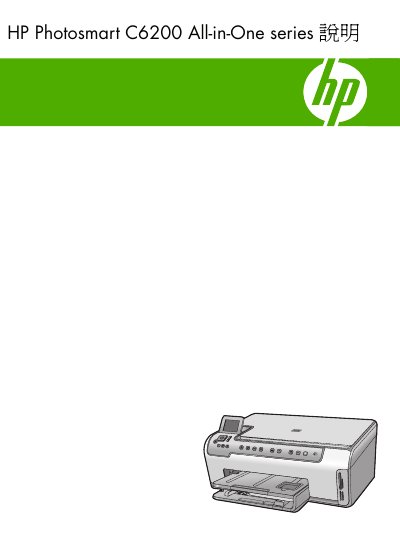

HP Photosmart C6200 All-in-One Series User Manual - cover page
Brand
HP
Category
Printer
Document type
User Manual
Language
Chinese
Pages
188
File format
PDF
File size
7.8 MB
Published
30 December, 2022
Updated
28 September, 2023
Model
C6200
MD5 checksum
A73FE13CB87BE48B696009753D221917

About this manual

This document is the user manual for the HP Photosmart C6200 All-in-One series. It covers the overview of the device, console functions, and how to use the HP Photosmart software. The guide details how to set up the printer, connect it to a computer or network, and perform basic tasks such as printing documents, printing photos, scanning images, and making copies. This manual is written in Chinese.

What's inside

  • HP All-in-One Overview
  • Console Overview
  • Setting Up HP All-in-One
  • Printing from Computer
  • Using Photo Functions
  • Using Scan Functions
  • Using Copy Functions
  • Maintaining HP All-in-One
  • Troubleshooting
  • Warranty and Support

Frequently asked questions

What can the HP Photosmart C6200 All-in-One series do?

You can use it to quickly and easily print photos from a memory card, copy documents, or scan files.

What is the purpose of the included duplex printing accessory?

The accessory allows you to print on both sides of paper, which saves paper when creating catalogs or manuals.

Download PDF (7.8 MB)

More HP Manuals


View all HP manuals →