
Key facts
- Brand
- HP
- Model
- C7200
- Category
- All-in-one printer
- Industry
- Computers
- Documents
- 2
- Languages
- ZH
- Last added
- 2012-03-28
Start here
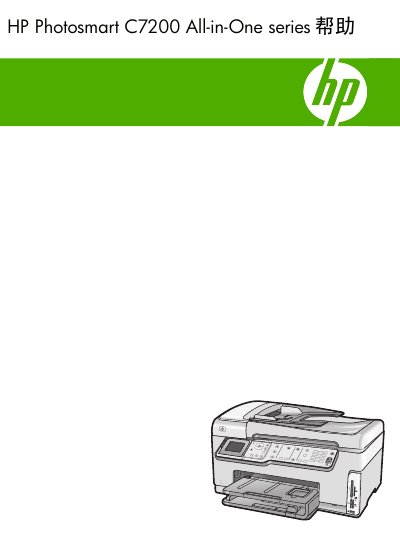
HP Photosmart C7200 All-in-One Series User Manual
This guide covers every aspect of the HP Photosmart C7200 All‑in‑One printer. It details the control‑panel layout, menu options for copy, scan, fax and photo printing, as well as text entry methods and display icons.
The manual also explains how to connect the device via Ethernet, Wi‑Fi or Bluetooth, configure network settings, perform routine maintenance such as cleaning the print head and replacing ink cartridges, and troubleshoot common issues. This manual is written in Chinese.
HP C7200 specifications
| Maximum black‑and‑white print resolution | 1200 × 1200 dpi |
|---|---|
| Maximum color print resolution (optimized) | 4800 × 1200 dpi |
| Maximum copy resolution | 4800 × 4800 dpi |
| Maximum optical scan resolution | 4800 × 9600 dpi |
| Maximum enhanced scan resolution (software) | 19200 dpi |
| Fax memory capacity | Up to 120 pages |
| Fax transmission speed | 33.6 Kbps (≈3 seconds per page) |
All HP C7200 documents by type
Day-to-day operation, settings and troubleshooting. Start here if the product is already set up.
Questions answered in these manuals
What is the maximum black‑and‑white print resolution?
The printer can produce up to 1200 × 1200 dpi in black‑and‑white mode.
How many pages can be stored in the fax memory?
The device can store up to 120 pages of fax data in its memory.
How do I change the fax settings on the HP Photosmart CZ200?
Select the Fax menu, then choose the appropriate fax setting option to modify the configuration.
How do I set up the integrated wireless 802.11 network?
Open the Wireless WLAN setup menu and follow the on‑screen instructions to connect to an 802.11 network.