
Key facts
- Brand
- HP
- Model
- C5100
- Documents
- 2
- Languages
- ZH
- Last added
- 2000-01-01
Start here
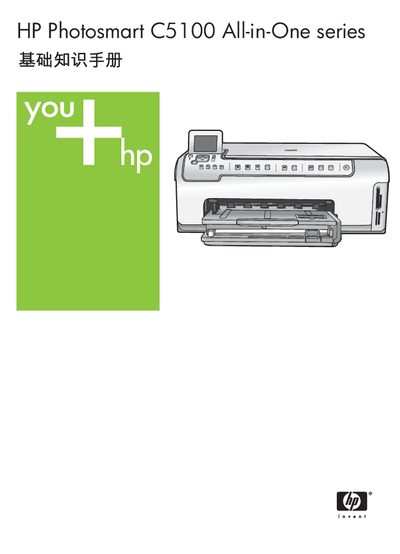
HP Photosmart C5100 All-in-One User Manual
This manual introduces the HP Photosmart C5100 All-in-One, covering its main functions such as printing, copying, scanning, and using the built‑in Photosmart software. It explains the control‑panel layout, media loading, and basic operation steps.
It also details network configuration, ink‑cartridge replacement, cleaning procedures, and provides a full set of technical specifications (print, copy, scan resolutions, power and physical dimensions). Troubleshooting tips and support contact information are included for common issues. This manual is written in Chinese.
HP C5100 specifications
| Supported photo paper size | 10 × 15 cm (4 × 6 in) |
|---|---|
| Supported paper size | Letter |
| Supported paper size | Legal |
| Ethernet speed support | 10 Mbps and 100 Mbps |
All HP C5100 documents by type
Day-to-day operation, settings and troubleshooting. Start here if the product is already set up.
Questions answered in these manuals
How do I set up the network connection?
Connect an Ethernet cable from the HP All-in-One’s Ethernet port to a router or switch, then follow the network setup steps in the manual.
How can I print photos directly from a memory card?
Insert the memory card into the slot, then press the “Print Photos” button to launch the Photosmart Express menu and print the images.
How do I connect the HP Photosmart C5100 to a network?
Use a CAT‑5 Ethernet cable to connect the printer’s Ethernet port to a router, switch, or hub, then install the HP software to configure the network settings.
How should I clean the scanner glass plate?
Wipe the glass plate with a soft, lint‑free cloth; avoid using abrasive cleaners.