
Key facts
- Brand
- HP
- Model
- CM3530
- Category
- All-in-one printer
- Industry
- Computers
- Documents
- 2
- Languages
- ZH
- Last added
- 2012-04-01
Start here
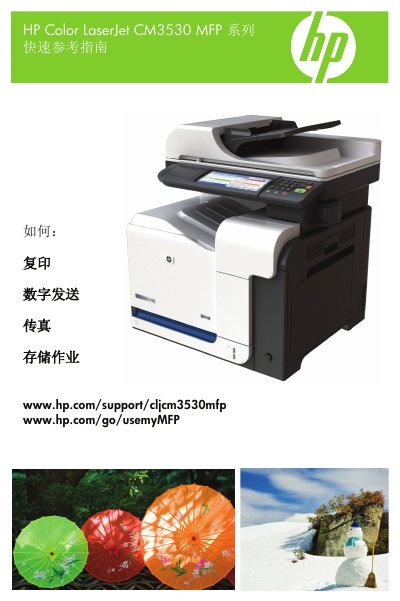
HP Color LaserJet CM3530 MFP Quick Reference Guide
This guide provides step‑by‑step instructions for common tasks on the HP Color LaserJet CM3530 MFP, such as making black‑and‑white or color copies, creating double‑sided copies, copying photos, and producing booklets. It also shows how to send scanned documents to email or a network folder, and how to send and receive faxes.
Additional sections explain how to store copy jobs, retrieve stored jobs, and use the simplified Chinese on‑screen keyboard. The guide is organized with numbered steps and screenshots for each operation. This manual is written in Chinese.
All HP CM3530 documents by type
Day-to-day operation, settings and troubleshooting. Start here if the product is already set up.
The shortest path to a working setup, usually only a few pages.
Questions answered in these manuals
How can I store a copy job for later use?
Touch Job Storage, create a new job, enter a folder and job name, then press Confirm.
How do I change the network password?
Use the control panel to manually configure the network password.
What type of paper should I use with the CM3530?
Use HP brand paper designed for laser or multifunction printers; avoid ink‑jet paper.