
Installation guide for HP PageWide Managed Color MFP models E77650, E77660, P77440, P77940, P77950, and P77960, covering setup and software download.
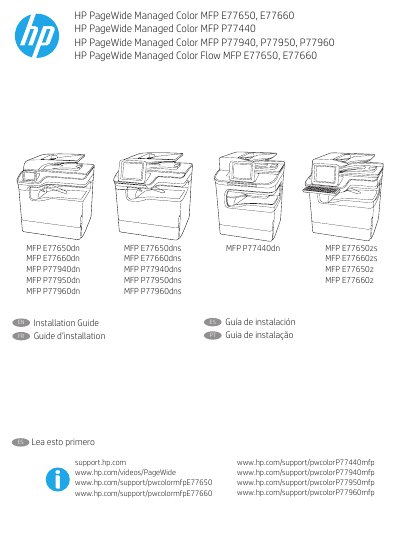
This guide provides instructions for installing HP PageWide Managed Color MFP printers, including models E77650, E77660, P77440, P77940, P77950, and P77960. It details the initial setup steps, such as selecting a proper location, removing packaging, and connecting power and network cables. The document also specifies different connection procedures for Windows and Mac operating systems.
| Power Voltage | 100-127 Vac or 220-240 Vac |
|---|---|
| Power Frequency | 50/60 Hz |
No, the cables are not included with the printer.
Use Letter/A4 paper in Tray 2 to initialize the printer.
Do not connect the USB cable until prompted during the software installation.