
This document is a user manual for the HP DeskJet 1200 series printer, which introduces the printer's components, power button indicator lights, and how to load media. It also provides steps for using the HP Smart app for printing and troubleshooting, managing ink cartridges, and connecting the printer. It concludes with solutions to common problems and technical specifications.
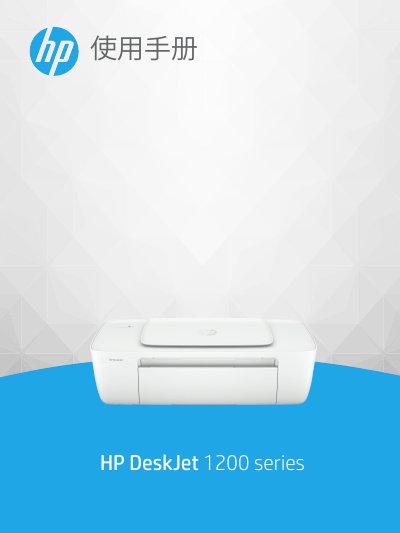
This document serves as a comprehensive guide for the HP DeskJet 1200 series printer. It provides instructions on initial setup, including identifying printer parts and using the power button indicator lights. The manual details how to load various media types such as standard paper, envelopes, photo paper, and index cards into the input tray. This manual is written in Chinese.
| Recommended Operating Temperature | 15ºC to 30ºC (59ºF to 86ºF) |
|---|---|
| Allowed Operating Temperature | 5ºC to 40ºC (41ºF to 104ºF) |
| Input Tray Capacity (Standard Paper) | Up to 60 sheets |
| Output Tray Capacity (Standard Paper) | Up to 25 sheets |
| Supported Paper Weight (Standard) | 64 to 90 g/m² |
A dim light indicates that the printer is in sleep mode and will automatically enter this mode after 5 minutes of no activity.
To cancel a job, press the power button once. If no screen message appears, try printing a document to generate one.
HP recommends using a USB cable no longer than 3 meters to minimize noise caused by potential electromagnetic fields.