
The HP Neverstop Laser MFP 1200 series User Guide provides information on how to set up, use, and maintain the printer.
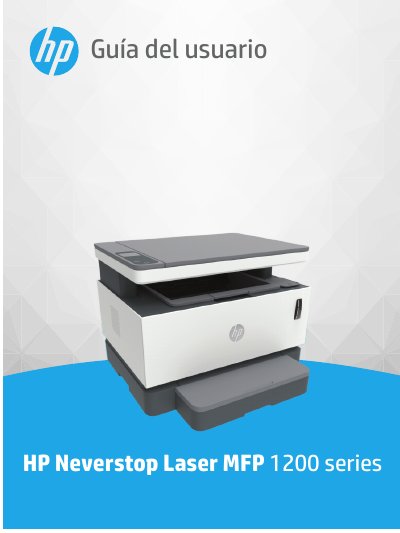
This guide is for the HP Neverstop Laser MFP 1200 series multifunction laser printer. It covers getting started, connecting and configuring the printer, loading media, printing, copying, scanning, and managing toner and parts.
It also includes troubleshooting for paper handling, print quality, and network connections, plus printer specifications, maintenance and support, environmental responsibility, and regulatory information. This manual is written in Spanish.
The guide lists using the HP Smart app to print, copy, scan, and troubleshoot.
Ethernet is available only on models with Ethernet connectivity.
It describes connecting with a router, WPS, HP printer software, and Wi-Fi Direct.