
Key facts
Start here
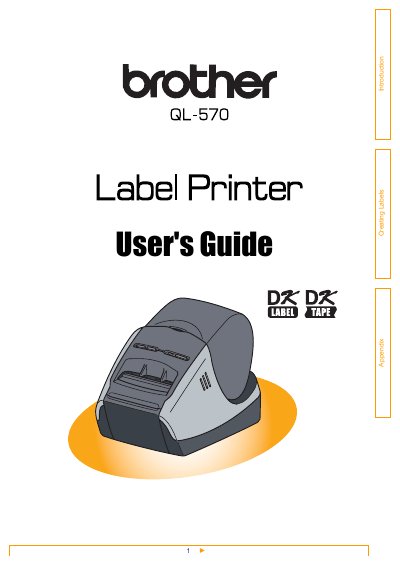
Brother QL-570 Label Printer User's Guide
User Manual 36 pages · 6.9 MB · EN
This document serves as the User's Guide for the Brother QL-570 label printer. It details the workflow from label creation to printing, covering the use of the P-touch Editor software for Windows and Mac, as well as the P-touch Address Book and Library features. The guide explains how to choose label types, prepare DK Rolls, and utilize various software modes like Express, Professional, and Snap Mode.
Read onlineAll Brother QL-570 documents by type
User Manual 4
Day-to-day operation, settings and troubleshooting. Start here if the product is already set up.
Questions answered in these manuals
What software is used to create labels for the Brother QL-570?
Labels are created using the P-touch Editor software.
How can I clean the print head if it is not cleaned enough?
Use a cotton swab to wipe the head.