
This document is a user's guide that provides instructions for using the Brother QL-710W/720NW printer, including interface cable connection, software uninstallation, label variety, status lamp, mass storage feature (QL-720NW only), iPrint&Label application, and QL Utility tool.
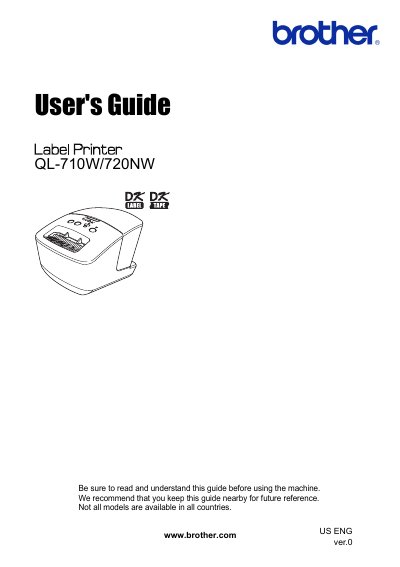
This manual provides instructions for the Brother QL-710W and QL-720NW label printers. It covers topics such as using interface cables (USB, RS-232C, and Network), uninstalling software and printer drivers on Windows and Macintosh systems, and general procedures for using the device.
| Operating temperature | 50°F to 95 °F (10°C to 35°C) |
|---|---|
| Operating humidity | 20% to 80% (without condensation) |
| USB Interface | USB Full speed |
| Network Interface (QL-720NW) | Ethernet 10BASE-T/100BASE-TX |
| RS-232C Interface | Required for ESC/P commands |
| Windows XP Disk Space | more than 70 MB |
| Macintosh Disk Space | more than 200 MB |
RS-232C cable and Network cable are not standard accessories.
Do not use an interface cable that is longer than 2 meters.
Use a straight-through Category5 (or greater) twisted-pair cable.