
This document is the user guide for the Brother QL-650TD label printer, which introduces the preparation work before use, maintenance and troubleshooting, and the method of creating and printing labels. The printer has the function of directly inputting the date or time to print labels, and can also create templates for printing labels by downloading label editing software used on personal computers.
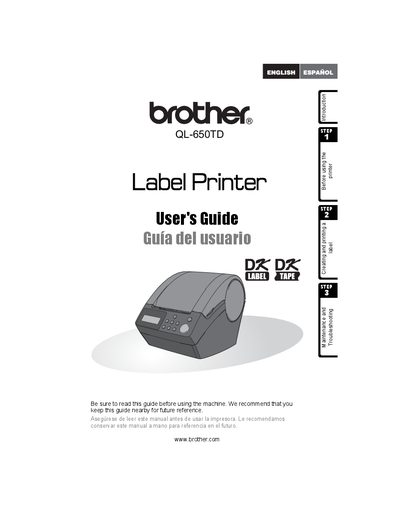
This guide introduces the Brother QL-650TD label printer, explaining how to create and print labels, install software, and use the built‑in date/time functions. It also covers safety symbols, maintenance steps, and troubleshooting tips.
Additional sections detail warranty coverage, registration, support contacts, and replacement parts. The manual includes bilingual notes and a parts list for accessories such as cutter units and cleaning sheets.
The machine is covered for one year from the original purchase date, and consumable accessories are covered for 90 days.
Try reorienting or relocating the receiving antenna, increasing separation from the receiver, or using a different circuit outlet.
Call Brother USA Customer Service at 1‑877‑BROTHER (1‑877‑276‑8437).