
This is the user manual for MFC-685CW, which contains the features and characteristics of the product, including instructions for use, loading originals and paper, general settings, security features, and sending faxes.
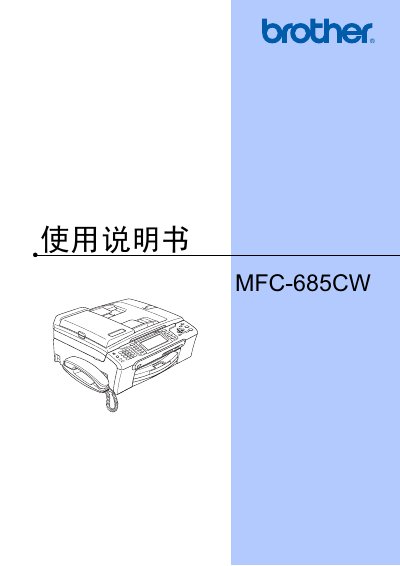
This manual covers all aspects of using the Brother MFC-685CW multifunction printer, including basic operation, paper handling, fax and telephone functions, copying, and direct photo printing. It also details safety information, troubleshooting, and routine maintenance procedures.
The document includes detailed settings for power‑saving modes, LCD contrast, volume controls, and network configuration, as well as instructions for using original Brother ink cartridges and cleaning the device safely. This manual is written in Chinese.
Use a soft cloth with a neutral cleaner; avoid solvents, ammonia, or alcohol, which can damage the surface.
Do not remove the cartridge unless replacement is needed; removing it prematurely can cause the printer to lose ink level detection.
The manual states the device is designed for use in the original purchase country; operation on public lines in other countries is not guaranteed.