
This manual introduces how to install the hardware and software of the Canon MFC-685CW all-in-one machine.
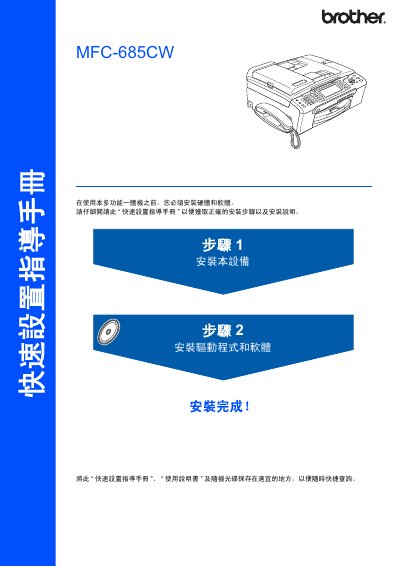
This guide explains how to safely install the Brother MFC-685CW multifunction printer, including unpacking, connecting power, telephone line, USB or Ethernet cables, and loading consumables. It also covers required software installation for Windows and Mac OS, and provides quick‑start steps for configuring the device.
The manual details network setup using SecureEasySetup or AOSS, explains the control‑panel functions, and lists safety warnings to prevent personal injury and equipment damage. It includes reference to the accompanying full user manual for more detailed operation instructions. This manual is written in Chinese.
| Supported Mac Operating Systems | Mac OS X 10.2.4 or later |
|---|---|
| Maximum USB 2.0 Cable Length | 2 m |
Follow the warning sections to avoid personal injury and prevent damage to the equipment or other objects.