
This document is the user manual for Canon MFC-685CW multi-function printer, which mainly introduces the function characteristics and usage methods of the product, as well as how to solve some common problems.
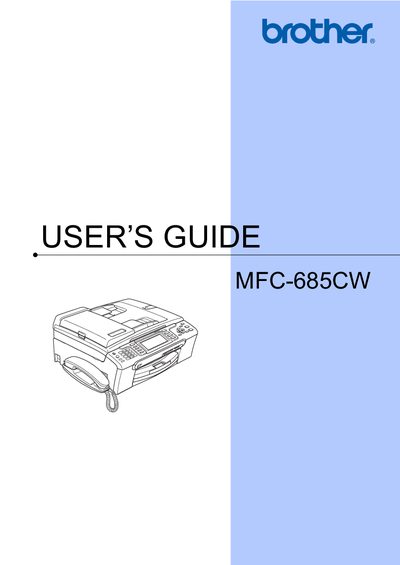
This guide covers general information, loading documents and paper, power‑save settings, security features, and detailed instructions for fax, telephone, and external device functions. It also explains copying, direct photo printing from memory cards or USB drives, and software/network features.
The manual includes safety and legal notices, troubleshooting tips, error‑message explanations, and routine maintenance procedures to keep the MFC‑685CW running reliably.
| Supported media | Paper, envelopes, photo paper, memory cards, USB flash drives |
|---|---|
| Phone line compatibility | Two‑wire analogue PSTN line |
Use the Loading Documents and Paper section to load paper, envelopes, or photo paper via the ADF or scanner glass.
Select Fax mode, then choose the option to fax from the scanner glass as described in the Fax Operations section.
Enter the General Setup section and select Power Save mode to reduce power consumption when the machine is idle.
Use the Direct Photo Printing section to access PhotoCapture Center and print images from a memory card or USB flash drive.