
This is a product installation guide for MFC-685CW, including hardware installation and software installation
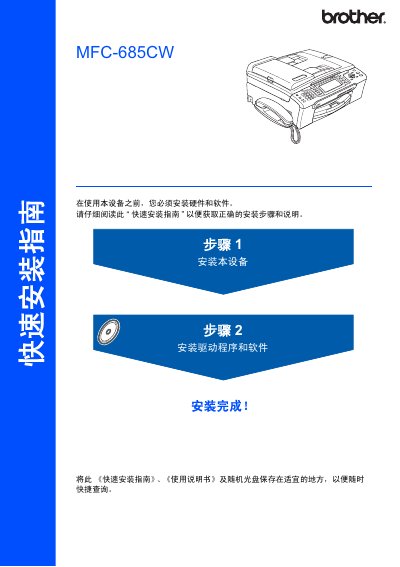
The guide walks you through the hardware installation of the MFC‑685CW, including removal of protective films, cartridge installation, and connecting the device to a computer or network. Safety warnings are highlighted to prevent personal injury and ensure proper grounding during setup.
It also describes the use of the BRAdmin Light utility for network configuration, explains the function of the LCD panel and control‑key layout, and details how to replace consumables such as ink cartridges and toner. This manual is written in Chinese.
| USB Interface | USB 2.0 |
|---|---|
| Ethernet Interface | 10BASE‑T or 100BASE‑TX |
| Display | LCD (liquid crystal display) |
| Control Panel Keys | 12 function keys |
Use the built‑in Ethernet port with a Category‑5 (or higher) cable; the printer supports 10BASE‑T or 100BASE‑TX connections.
Follow the warnings in the guide to avoid personal injury, ensure proper grounding, and do not connect incorrect interfaces.