
This document is about the quick setup guide of Canon MFC-685CW printer, mainly including how to set up hardware and install software.
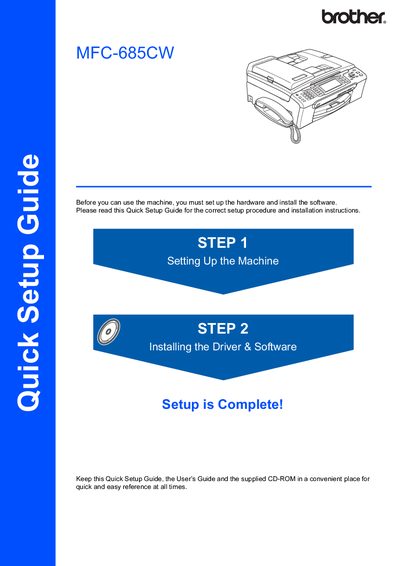
The Quick Setup Guide provides step‑by‑step instructions for preparing the Brother MFC‑685CW printer for first use. It explains how to remove protective parts, load paper, connect power, and install the supplied ink cartridges.
The guide also details driver and software installation for Windows, Mac, and network environments, including USB, wired Ethernet, and wireless setup using SecureEasySetup™ or AOSS™. Network configuration utilities such as BRAdmin Light are described, and safety warnings are highlighted throughout.
| Maximum paper capacity | 100 sheets of 80 gsm paper |
|---|---|
| USB cable requirement | USB 2.0 cable, max 2 m length |
| Power source | Standard grounded AC outlet |
It can hold up to 100 sheets of 80 gsm paper.
Use a USB 2.0 cable no longer than 2 metres.
Insert the plug only into a properly grounded standard AC outlet.