
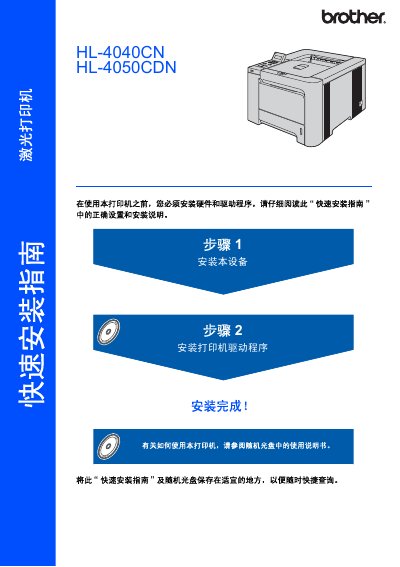
This is the quick installation guide for the Brother HL-4040CN and HL-4050CDN laser printers. It explains how to install the hardware and drivers, use the control panel, and connect the printer using USB, parallel, or network cables.
The guide also includes safety precautions, unpacking contents, consumables and options, repacking instructions, and troubleshooting information. This manual is written in Chinese.
| Weight | Approx. 64.2 lb (29.1 kg) |
|---|---|
| Laser class | Class 1 laser product (IEC 60825-1) |
| Internal laser diode | Class 3B, max 25 mW, 780-800 nm |
| USB cable length | Max 6 feet (2.0 m) |
| Parallel cable | IEEE 1284 compatible shielded, HL-4050CDN only |
| Network cable | 10BASE-T or 100BASE-TX Cat5/Cat5e UTP |
The printer weighs about 64.2 lb (29.1 kg).
It is a Class 1 laser product compliant with IEC 60825-1+A2: 2001.
A USB cable is included; parallel and network interface cables are not standard accessories and must be purchased separately.
Turn off the power switch and unplug the printer, then contact Brother after-sales service.