
This document is a user manual for Brother laser printers HL-4040CN HL-4050CDN. It provides information on hardware setup, driver installation, and usage precautions for the printer.
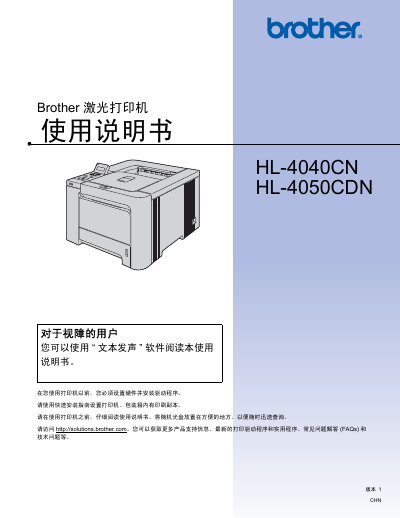
This manual covers everything you need to know to install and use the Brother HL-4040CN and HL-4050CDN laser printers. It includes hardware setup, driver installation, printing methods, optional accessories, and detailed safety guidelines.
The guide also provides maintenance procedures, troubleshooting steps, and regulatory information such as weight, power requirements, and hazardous material disclosures. This manual is written in Chinese.
| Weight | 64.2 lb (29.1 kg) |
|---|---|
| Fusing Unit Voltage | 230 V |
| Input Voltage (for 220‑240 V models) | 220 V – 240 V |
Use a non‑woven cloth to gently remove residual toner; do not use a vacuum cleaner or flammable cleaning agents.
Immediately turn off the power switch and unplug the printer, then contact Brother service.
No, using a vacuum cleaner can cause toner blockage and fire hazards.