
Key facts
Start here
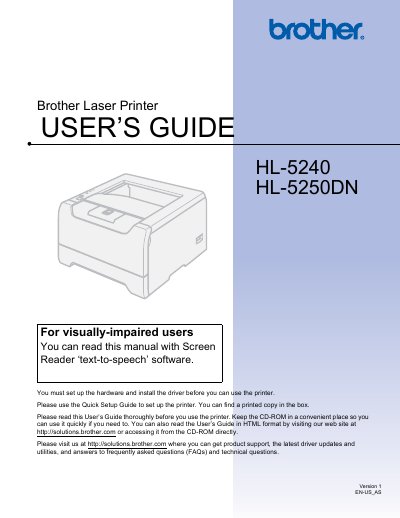
Brother HL-5240 / HL-5250DN Laser Printer User Guide
This guide covers everything you need to know to install and use the Brother HL-5240 and HL-5250DN laser printers. It begins with safety precautions, hardware setup, and driver installation, and includes quick‑setup instructions for getting the printer up and running.
Later sections describe printing methods, driver and software features, control‑panel functions, optional accessories, routine maintenance, and troubleshooting. Appendices contain regulatory information, specifications, and an index for quick reference.
Brother HL-5250DN specifications
| Control Panel | Not specified |
|---|---|
| Paper Handling | Not specified |
| Media Specifications | Not specified |
| Dimensions / Weight | Not specified |
| System Requirements | Not specified |
All Brother HL-5250DN documents by type
Day-to-day operation, settings and troubleshooting. Start here if the product is already set up.
Questions answered in these manuals
How do I install the printer driver?
Install the driver using the quick installation guide included in the package. For Windows, follow the steps in Chapter 3. For Macintosh, refer to Chapter 3-14.
What types of paper can I use?
The printer supports most paper types, including standard paper, cardstock, envelopes, and labels. Avoid damaged, wrinkled, or overly thick paper to prevent jams or damage.