
This document is the user's guide for Brother Laser Printer HL-4040CN HL-4040CDN HL-4050CDN HL-4070CDW, designed for visually-impaired users. The document explains how to read this guide with screen reader 'text-to-speech' software, and the necessary steps to set up the hardware and install the driver before using the printer. The document also provides instructions to follow the Quick Setup Guide and emphasizes the importance of thoroughly reading the User's Guide before using the printer.
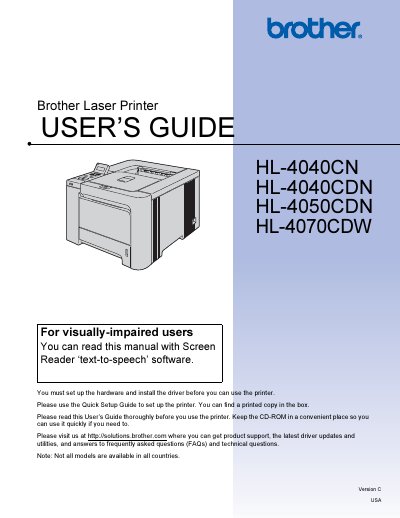
This user guide covers everything needed to install, configure, and safely operate the Brother HL series laser printers. It includes safety warnings, hardware setup steps, driver installation, and detailed instructions for printing, duplex, and specialty media.
The manual also describes control‑panel functions, optional accessories, routine maintenance procedures such as replacing toner, drum, and belt units, and troubleshooting tips for common issues. Appendices provide full specifications, regulatory information, and regional compliance details.
| Weight | 64.2 lb (29.1 kg) |
|---|
Turn off the power switch and unplug the printer from the AC power outlet.
Use at least two people to move or lift the printer safely.
Visit http://solutions.brother.com for product support, driver updates, and FAQs.