
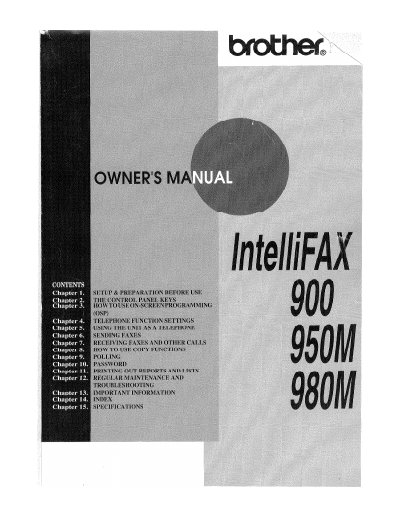
Brother IntelliFAX 900/950M/980M Owner's Manual


Brother IntelliFAX 900/950M/980M Owner's Manual - cover page
Brand
Brother
Category
All-in-one printer
Document type
User Manual
Language
English
Pages
88
File format
PDF
File size
13.5 MB
Published
02 July, 2012
Updated
02 July, 2012
MD5 checksum
886A909EC9A0EB07455E0637A12AA441

About this manual

This document serves as the owner's manual for the Brother IntelliFAX 900/950M/980M series of fax machines. It guides users through initial setup, including selecting a suitable location and installing components like the printing cartridge. The guide covers basic telephone functions such as dialing modes and speed-dial storage.

What's inside

  • Setup & Preparation Before Use
  • The Control Panel Keys
  • How to Use On-Screen Programming (OSP)
  • Telephone Function Settings
  • Using the Unit as a Telephone
  • Sending Faxes
  • Receiving Faxes and Other Calls
  • How to Use Copy Functions
  • Polling
  • Password Security

Frequently asked questions

How can I verify that my fax machine is properly installed?

Fill out the TEST SHEET and fax it to 1-908-469-4547.

What is the first step to verify that the fax machine is properly installed?

You must fill out the TEST SHEET and fax it to 1-908-469-4547 as your first transmission.

What number should be dialed for voice phone support?

Call 1-800-284-4FAX for voice phone assistance.

Where should the fax machine be placed regarding power outlets?

Locate it near a standard, grounded power outlet and do not connect it to outlets controlled by wall switches or automatic timers.

Download PDF (13.5 MB)

More Brother Manuals


View all Brother manuals →