
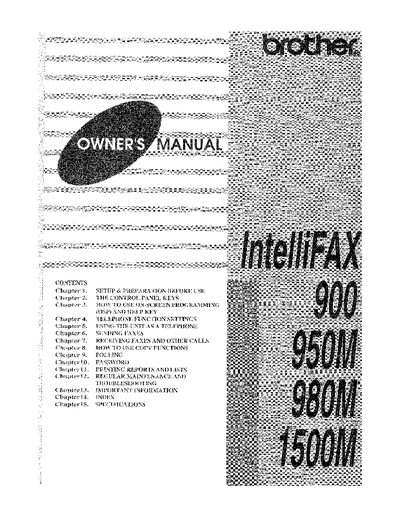
Brother IntelliFAX 900/950M/980M/1500M Owner's Manual


Brother IntelliFAX 900/950M/980M/1500M Owner's Manual - cover page
Brand
Brother
Category
All-in-one printer
Document type
User Manual
Language
English
Pages
104
File format
PDF
File size
15.9 MB
Published
02 July, 2012
Updated
02 July, 2012
MD5 checksum
C88611014C04627A517D2952C939B052

About this manual

The Brother IntelliFAX 900/950M/980M/1500M is a plain paper fax machine designed to work with almost all types of copy or xerographic plain paper. The manual guides users through setup, including choosing a suitable location and connecting the unit to telephone lines or private branch exchanges (PBXs). It details how to utilize the control panel keys for one-touch dialing, speed-dialing, and on-screen programming.

What's inside

  • Setup & Preparation Before Use
  • Control Panel Keys
  • On-Screen Programming (OSP)
  • Telephone Function Settings
  • Sending Faxes
  • Receiving Faxes and Other Calls
  • Copy Functions
  • Polling
  • Password Security
  • Troubleshooting

Frequently asked questions

What type of paper is recommended for best output quality?

The manual recommends using a 'laser printer' plain paper for the best quality output.

How can I verify that my fax machine is properly installed?

Fill out the TEST SHEET and fax it to 1-908-469-4547 as your first transmission.

What is the number for voice phone support?

The telephone number for voice calls only is 1-800-284-4FAX.

Download PDF (15.9 MB)

More Brother Manuals


View all Brother manuals →