
CS231 is a powerful, mini-computer or host-controlled sharing device that supports multiple users sharing a single USB or PS/2 host. It can be manually or automatically selected as the control end, supports multiple operating systems and display types.
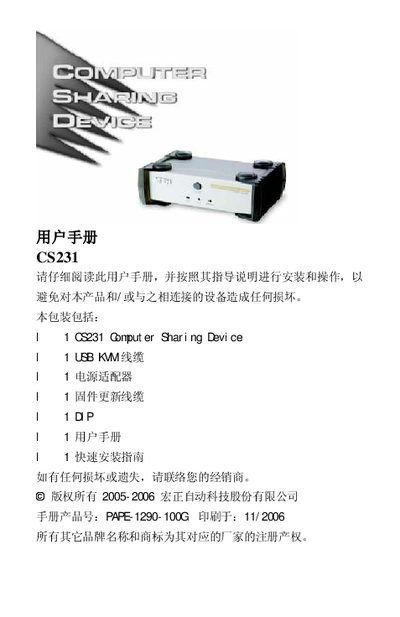
The ATEN CS231 is a Computer Sharing Device designed for small office and home office (SOHO) environments. It allows two users to share a single host computer using separate USB or PS/2 keyboards, mice, and monitors without the need for a network. The device supports multiple platforms including Windows, Mac, Unix, and Linux, and features both manual and automatic control modes.
| Keyboard | 2 x USB Type A female (white) |
|---|---|
| Video | 2 x HDB-15 female (blue) |
| Mouse | 2 x USB Type A female (white) |
| Host Port | 1 x SPHD-15 female (green) |
| Power | DC 5.3V; 2.2W (max) |
| Operating Temperature | 0-50℃ |
| Weight | 0.56 kg |
| Dimensions | 14.3 x 8.7 x 5.50 cm |
The device supports Windows, Red Hat Linux, Mandriva Linux, SUSE Linux, FreeBSD, Netware, and Mac OS.
Press the Manual/Auto button to cycle through modes: Automatic, Control Port 1 (Manual), Control Port 2 (Manual), and back to Automatic.
Yes, firmware can be updated by connecting the firmware update cable to the update port on the back of the device.