
This document is a user manual for the KL1100, providing information on the features and characteristics of the product.
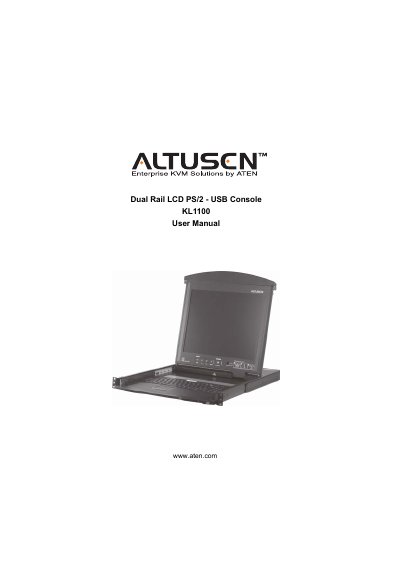
This manual covers everything you need to set up and use the Altusen KL1100 KVM console. It begins with an introduction to the console’s features and components, then walks you through hardware setup, rack mounting, and cable connections.
Subsequent chapters describe normal operation, hot‑plug procedures, firmware upgrades, and detailed specifications for both AC and DC power models. Appendices include safety instructions, troubleshooting tips, and warranty information.
Register online at ATEN’s support site (http://support.aten.com) or the North America site (http://www.aten-usa.com/product_registration).
Call 1‑888‑999‑ATEN for North America telephone support.
The package contains the KL1100 console with rack‑mount kit, a custom KVM cable, a power cord (AC models only), a firmware upgrade cable, the user manual, and a quick start guide.