
TOSHIBA TEC B-EV4T series barcode printer user manual, including safety overview, precautions, etc.
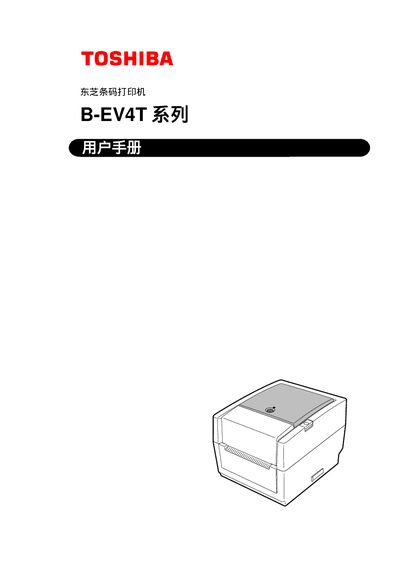
This manual provides safety guidelines, installation steps, and operating instructions for the Toshiba B-EV4T series printer. It explains required accessories, power requirements, and proper handling to prevent injury or equipment damage.
The document also details routine maintenance, cleaning procedures, troubleshooting tips, and specifications such as required power adapters and interface connections. Appendices include interface cable requirements and a terminology glossary. This manual is written in Chinese.
| Required power adapter | EA10953 AC adapter |
|---|---|
| Power input voltage (100‑125 V) | 125 V, 10 A (minimum) |
| Power input voltage (200‑240 V) | 250 V, 2.5 A (minimum) |
| Interface connector for power cable | ICE-320-C6 |
The printer requires the dedicated EA10953 AC adapter; using any other voltage or adapter is prohibited.
Always turn off the printer, unplug the power cord, avoid wet hands, and do not open the chassis unless authorized.
Use a 9‑pin or 25‑pin serial cable with the specified pinout; the cable must be fully shielded and not bundled with the power cord.