
TOSHIBA TEC B-EV4D series barcode printer user manual, introduces safety overview, precautions, basic operation, power connection, paper connection, paper input, paper cutting, basic settings, function settings, communication settings, status information, troubleshooting, maintenance and maintenance.
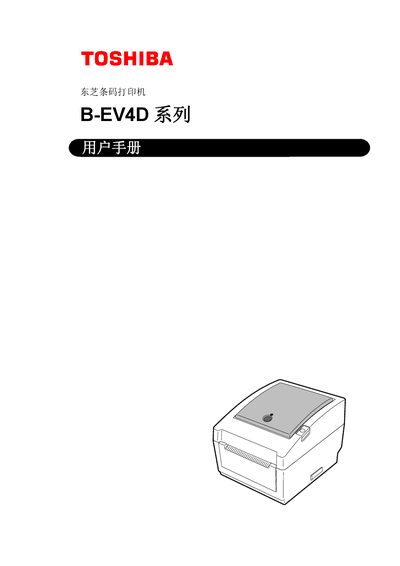
This manual covers everything needed to set up and use the Toshiba B-EV4D barcode printer, including safety warnings, unpacking, connector configuration and detailed specifications. It also explains how to load media, calibrate sensors, and perform routine maintenance.
Additional sections describe troubleshooting steps, recommended maintenance schedules, optional accessories, and interface wiring diagrams to help users keep the printer running reliably in industrial environments. This manual is written in Chinese.
| Power Consumption (100‑120 V) | 2.93 A, 70.3 W |
|---|---|
| Dimensions (W×D×H) | 198 mm × 258 mm × 169.5 mm |
| Supported Interfaces | RS‑232C serial, Centronics parallel, USB 2.0, 10/100 Mbps Ethernet, SD‑card slot |
The printer requires the dedicated EA10953 AC power adapter.
Only media approved by Toshiba Tec should be used; unapproved media are not covered by the warranty.