
Key facts
- Brand
- Philips
- Model
- SDC5100
- Documents
- 2
- Languages
- ZH
- Last added
- 2011-09-30
Start here
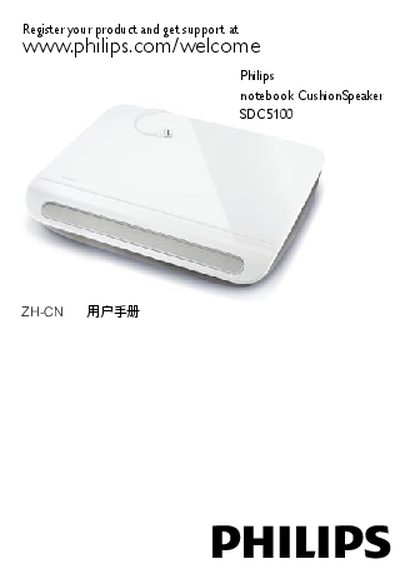
Philips SDC5100 Notebook Cushion Speaker User Manual
The Philips SDC5100 is a notebook cushion speaker designed to attach to a laptop via a retractable USB cable. It offers portable audio playback while keeping the laptop ergonomically positioned.
The manual covers registration, system requirements, detailed installation, USB connection setup, and troubleshooting procedures, including how to configure sound settings on Windows and Mac computers. FCC compliance and disposal information are also included. This manual is written in Chinese.
Philips SDC5100 specifications
| Supported operating systems | Windows 98SE, Windows ME, Windows 2000, Windows XP, Windows Vista, Mac OS9/OS X or later |
|---|---|
| USB controller requirement | Certified USB controller required |
| Built‑in USB connection | Yes |
| Cable type | Retractable USB cable |
Source: Philips SDC5100 Notebook Cushion Speaker User Manual
All Philips SDC5100 documents by type
Day-to-day operation, settings and troubleshooting. Start here if the product is already set up.
Questions answered in these manuals
What should I do if the notebook does not detect the cushion speaker?
Open the Control Panel (or System Preferences on Mac), select the sound and audio devices, and choose the USB Sound Device as the output.
Can I unplug the USB cable while music is playing?
No, do not disconnect the USB plug while the speaker is playing music.