
This is a user manual that introduces how to install, update, use internal rewriters, and how to make video, data and audio discs.
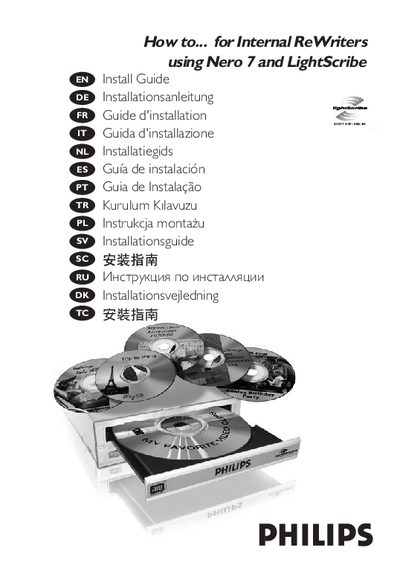
This guide explains how to install the Philips Internal ReWriters drive, including disconnecting power, removing the computer cover, and configuring the drive as Master or Slave. It also provides instructions for updating the drive firmware and software.
Additional sections cover printing LightScribe labels, creating video, audio or data discs, copying discs, and where to find further help or technical information.
Use the Nero 7 software to print a LightScribe label after the drive is installed.
Select the video disc creation option in Nero 7 and follow the on‑screen prompts.
Check for updates using the provided software and follow the update instructions in the guide.