
This file is a product manual for a certain Seagate optical drive. It introduces the functions and features of the optical drive, as well as how to use it, including installing the optical drive, printing labels, making video discs, making data discs and audio discs, and copying discs.
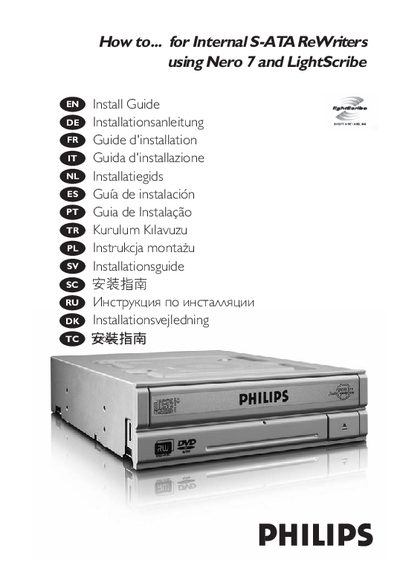
This guide explains how to install the Philips S-ATA Writer in a computer, including safety steps such as turning off the PC and opening the case. It details connecting the SATA power and data cables and securing the drive.
The manual also describes using Nero 7 LightScribe to print labels, create video, audio, or data discs, and copy existing discs. Additional help and update information are provided, with links to Philips support sites.