
Key facts
- Brand
- Philips
- Model
- HTS3181
- Documents
- 3
- Languages
- EN · ZH
- Last added
- 2012-03-13
Start here
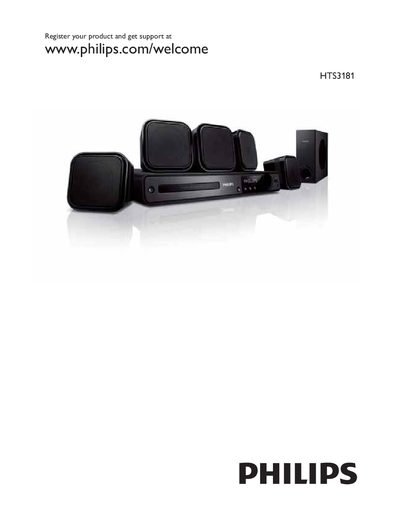
Philips HTS3181 TV User Manual
This manual begins with product registration information, directing users to register at www.philips.com/welcome. It then covers the TV’s audio and video source options, including USB, DVD, MP3, WMA, JPEG, DivX, and other supported formats.
Further sections explain how to adjust volume, use the subtitle and karaoke functions, and configure audio sync settings. The guide also lists compliance marks such as Energy Star and Class 1 laser product certification.
Philips HTS3181 specifications
| USB Standard | USB‑IF #45 |
|---|---|
| Energy Star | Energy Star certified |
| Laser Classification | Class 1 |
| Video Codec Support | DivX Ultra |
| Audio Codec Support | Dolby Digital Pro Logic II |
Source: Philips HTS3181 User Manual
All Philips HTS3181 documents by type
Day-to-day operation, settings and troubleshooting. Start here if the product is already set up.
Questions answered in these manuals
How do I register my Philips HTS3181?
Visit www.philips.com/welcome to register the product and obtain support.
What audio formats does the HTS3181 support?
It supports Dolby Digital Pro Logic II, MP3, WMA, JPEG, and DivX formats.
What audio formats does the HTS3181 support?
It supports Dolby Digital, Dolby Pro Logic II, and standard stereo playback.
Which video and audio file formats can be played?
The system can play DivX, MP3, WMA, JPEG, MPEG‑1/2, MPEG‑4 and many other formats.