
This document describes the features and specifications of the Philips HTS3181 speaker system. It is a 5.1-channel surround sound system with a total power output of 200W. It also includes a Bluetooth receiver, allowing you to connect your phone or tablet to the system.
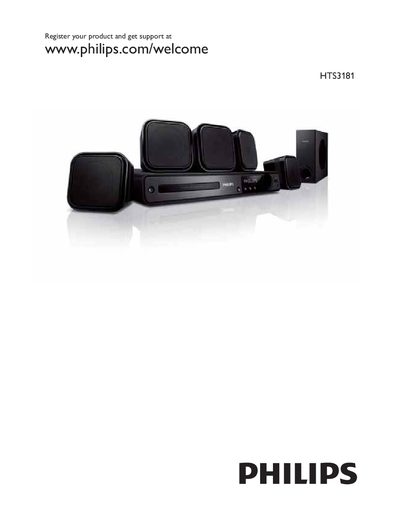
This manual provides setup and operation instructions for the Philips HTS3181 TV. It covers audio and video inputs, USB connectivity, disc playback, and on-screen menu navigation. The device supports multiple formats including DVD, VCD, SVCD, MP3, WMA, JPEG, and DivX. It also includes features like Dolby Digital Pro Logic II and USB playback.
The manual includes setup steps for audio sources, radio, USB, and disc playback. It explains how to adjust volume, zoom, subtitle, and karaoke settings via on-screen menus. The device supports 4:3 and 16:9 aspect ratios and includes a microphone input for voice commands or recording.
| Audio Formats | MP3, WMA, JPEG, DivX, PCM, MPEG, PBC |
|---|---|
| Video Formats | DVD, VCD, SVCD |
| Aspect Ratios | 4:3, 16:9 |
| USB Support | MP3/WMA/JPEG/DivX |
| Audio Output | Dolby Digital Pro Logic II |
It supports MP3, WMA, JPEG, DivX, PCM, MPEG, PBC, DVD, VCD, and SVCD.
Connect the USB device to the USB port and select the USB source from the menu to play content.
The TV supports 4:3 and 16:9 aspect ratios, with options to switch between them.
Yes, the TV has a karaoke mode that can be accessed via the on-screen menu.