
Philips Brilliance 221B7/231B7 Monitor User Manual

User manual for the Philips Brilliance 221B7/231B7 monitor, covering safety, setup, operation, troubleshooting and support.
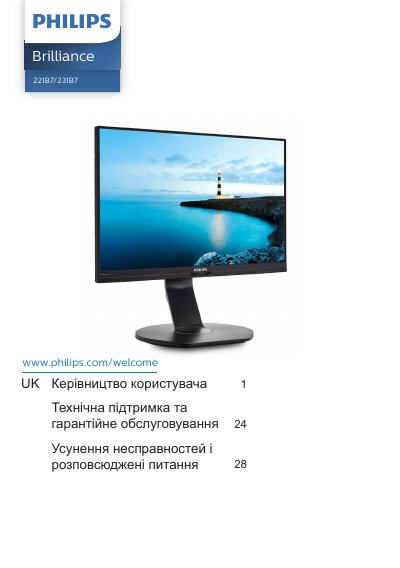

Philips Brilliance 221B7/231B7 Monitor User Manual - cover page
Brand
Philips
Category
Monitors
Document type
User Manual
Language
UK
Pages
36
File format
PDF
File size
3.4 MB
Published
11 November, 2026
Updated
11 November, 2026
MD5 checksum
1B3602400AF75DE6988C879B8BEEF849

About this manual

This manual is for users of the Philips Brilliance 221B7/231B7 monitor. It covers safety and care, setup, operation, image optimization, PowerSensor, the built-in webcam with microphone, technical specifications, power management, support and troubleshooting.

It also includes disposal information and the Philips flat panel monitor pixel defect policy.

What's inside

  • Important
  • Setting up the monitor
  • Optimizing image
  • PowerSensor
  • Built-in webcam with microphone
  • Technical specifications
  • Power management
  • Technical support and warranty
  • Troubleshooting and FAQs

Specifications

Operating temperature0-40°C (32-104°F)

Frequently asked questions

What temperature range is stated for this monitor?

The stated temperature range is 0-40°C, 32-104°F.

How should this monitor be disposed of?

It may not be disposed of with normal household waste; dispose of it through designated waste electrical and electronic equipment collection.

Download PDF (3.4 MB)

More Philips Manuals


View all Philips manuals →