
This is a user manual for SC 190V3L, which provides instructions on how to use the product, customer service information, troubleshooting, etc.
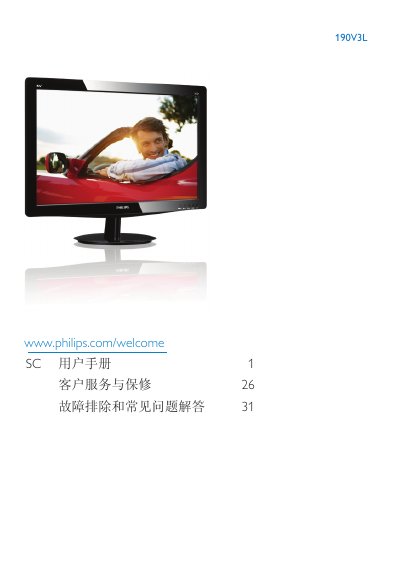
This manual provides instructions for safely operating and setting up the Philips 190V3L monitor. It includes safety precautions, installation steps, on-screen display controls, and troubleshooting tips. The document also covers warranty conditions and disposal guidelines for electronic waste.
The manual addresses common user questions such as cleaning the screen, adjusting color settings, compatibility with PCs and Macs, and handling image retention issues. This manual is written in Chinese.
| Resolution | 1440 x 900 @60Hz |
|---|---|
| Color Temperature | 6500K, 9300K |
| Supported Operating Systems | Windows 7/Vista/XP/NT, macOS, Linux |
Use a clean, dry cloth for normal cleaning. Avoid using solvents or alcohol-based liquids.
Yes, use the OSD controls to adjust color temperature, sRGB, or user-defined settings.
Yes, all Philips LCD monitors are compatible with PC, Mac, and workstations. For Mac, use a compatible adapter.
Image retention or ghosting is a common LCD panel phenomenon. It usually clears after powering off and on again.