
Key facts
- Brand
- Philips
- Model
- 109B7
- Category
- Other
- Industry
- Electronics
- Documents
- 2
- Languages
- ZH · EN
- Last added
- 2012-02-28
Start here
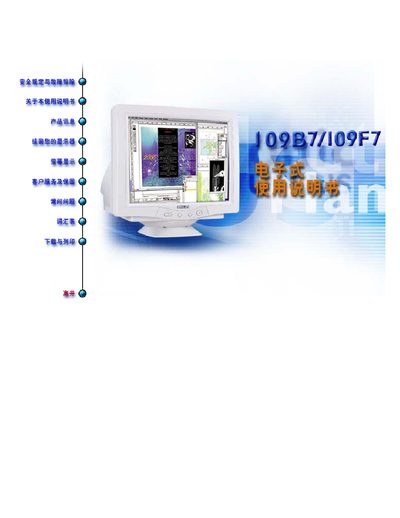
Philips 109B7/109F7 Monitor User Manual
This manual provides detailed information on the Philips 109B7/109F7 flat‑panel monitor, including its technical specifications, wiring, and compliance with international standards. It also contains step‑by‑step instructions for installation, adjustment of display settings, and safety guidelines.
The latter sections cover power requirements, warranty registration, and contact details for Philips service centers worldwide. All content is presented in English and is intended for end‑users and installers.
Philips 109B7 specifications
| Native resolution | 1280 × 1024 (SXGA) |
|---|---|
| Maximum resolution | 1600 × 1200 @ 73 Hz |
| Refresh rate (native) | 85 Hz |
| Dot pitch | 0.25 mm |
| Input impedance | 75 Ω |
| Input signal level | 0.7 Vpp |
| Weight (unit only) | 20 kg |
| Operating temperature | 0 °C to 35 °C |
| Storage temperature | -25 °C to 65 °C |
All Philips 109B7 documents by type
Day-to-day operation, settings and troubleshooting. Start here if the product is already set up.
Questions answered in these manuals
What display resolutions does the Philips 109B76 support?
It supports native SXGA 1280 × 1024 at 85 Hz and multiple lower resolutions up to 1600 × 1200 @ 73 Hz.
What are the input connector types for the monitor?
It has an AC power input and a video input (D‑sub) for connecting to PCs or Macs.
What is the native resolution of the Philips 109B7/109F7 monitor?
The monitor’s native resolution is 1600 × 1200 pixels.