
The Philips 109B7/109F7 display has a 19-inch (18.0-inch VIS) full-flat color display with excellent screen performance and is suitable for various MAC, PC or workstations. Automatic scanning covers horizontal frequencies up to 86 kHz, the maximum resolution is 1600 x 1200, and the flicker-free display is 1600 x 1200, up to 65 Hz. Full-flat high contrast CRT, high resolution 0.25 mm dot pitch (0.21 hdp).
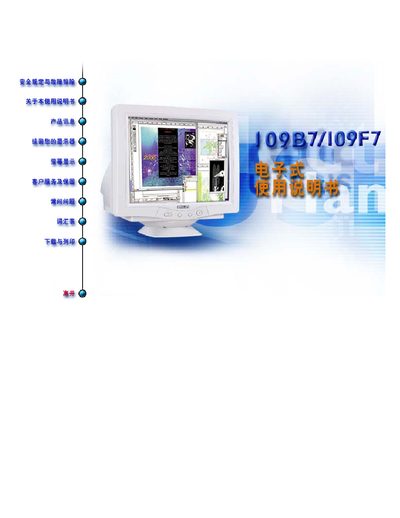
This document provides user instructions and technical specifications for the Philips 109B7/109F7 monitor. It details display capabilities such as resolution (1600 x 1200), refresh rate (65 Hz), and color temperature options. The manual also covers OSD controls for brightness, contrast, and color settings, including sRGB mode. Additional sections address power specifications, environmental limits, and warranty registration procedures.
| Resolution | 1600 x 1200 |
|---|---|
| Color Temperature | 9300K, 6500K, 5500K |
| Response Time | 30 - 86 KHz |
| Power Supply | 100-240 VAC, 50-60Hz |
| Operating Temperature | 0°C to 40°C (32°F to 104°F) |
The resolution is 1600 x 1200.
The available color temperatures are 9300K, 6500K, and 5500K.
Use the OSD menu to select sRGB mode, then press OK to confirm.