
Key facts
- Brand
- Philips
- Model
- 109B
- Category
- Monitor
- Industry
- Electronics
- Documents
- 4
- Languages
- ZH
- Last added
- 2012-03-21
Start here
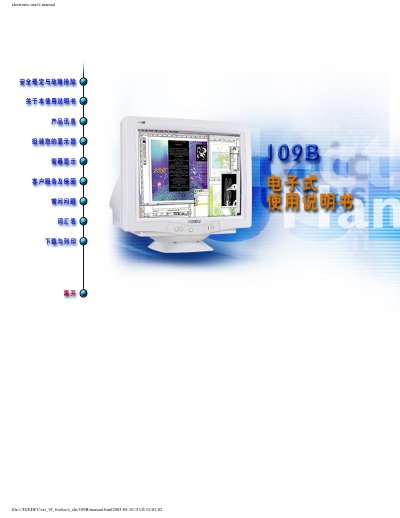
Philips 109B CRT Monitor Electronic User Manual
The Philips 109B CRT monitor user manual explains how to set up the display, adjust picture settings, and safely operate the device. It includes detailed specifications, wiring diagrams, and troubleshooting tips.
The back of the manual contains a warranty registration card and information on how to register within ten days to receive warranty verification, owner confirmation, and model registration benefits. This manual is written in Chinese.
Philips 109B specifications
| Maximum resolution | 1920x1440 |
|---|---|
| Maximum refresh rate | 75 Hz |
| No‑flicker resolution | 1600x1200 |
| Dot pitch | 0.25 mm |
| Screen size | 19 inches |
| Maximum thickness | 44.9 mm |
All Philips 109B documents by type
Day-to-day operation, settings and troubleshooting. Start here if the product is already set up.
Questions answered in these manuals
How long do I have to register the warranty?
You should complete the Warranty Registration Card within ten days of purchase.
What benefits do I receive by registering the product?
Registration provides warranty verification, owner confirmation, and model registration for special offers.
Can LightFrame3 be installed on older Philips monitors?
No, because LightFrame3 requires a dedicated hard‑disk built into the Philips monitor and cannot be installed on older models.
How many windows can LightFrame3 enhance at the same time?
LightFrame3 can enhance up to eight windows simultaneously.
What display resolutions does the Philips 109B76 support?
It supports native SXGA 1280 × 1024 at 85 Hz and multiple lower resolutions up to 1600 × 1200 @ 73 Hz.
What are the input connector types for the monitor?
It has an AC power input and a video input (D‑sub) for connecting to PCs or Macs.