
This electronic user guide is for anyone who uses a Philips color monitor. It describes the monitor's features, settings, operation, and other information, and is identical to the printed version.
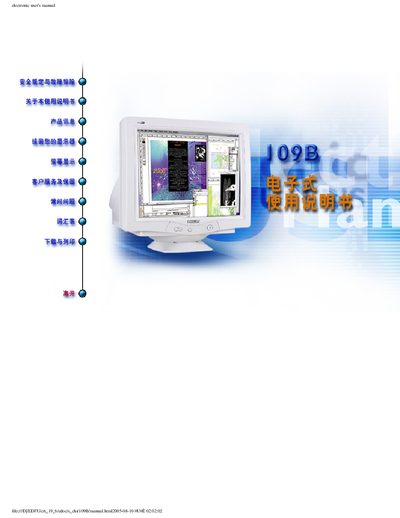
This electronic user guide covers safety and troubleshooting information, symbols used in the manual, and detailed product specifications for the Philips 109B color monitor. It explains how to install the display, configure the LightFramerM software, and access customer service and warranty details.
The manual also includes a FAQ section that addresses LightFramerM compatibility, software installation, and usage tips, as well as a warranty registration card for owners to complete after purchase. This manual is written in Chinese.
| Maximum resolution | 1920x1440 |
|---|---|
| Maximum refresh rate | 75 Hz |
| No‑flicker resolution | 1600x1200 |
| Dot pitch | 0.25 mm |
| Screen size | 19 inches |
| Maximum thickness | 44.9 mm |
No, because LightFrame3 requires a dedicated hard‑disk built into the Philips monitor and cannot be installed on older models.
LightFrame3 can enhance up to eight windows simultaneously.