
Key facts
- Brand
- Panasonic
- Model
- NV-GS328GK
- Category
- Camcorders
- Industry
- Electronics
- Documents
- 2
- Languages
- ZH · JA
- Last added
- 2012-03-16
Start here
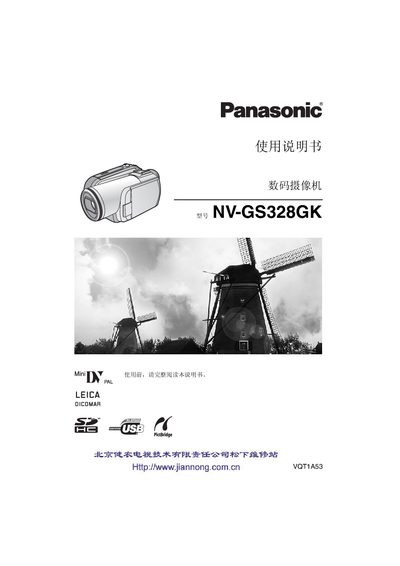
Panasonic NV-GS328GK Digital Video Camera User Manual
This manual covers safety precautions, battery charging, and basic handling before using the camera. It lists required accessories, explains how to install the battery, connect power sources, and attach optional lenses and filters.
The guide details camera functions such as zoom, playback modes, LCD operation, and menu navigation. It also includes troubleshooting tips, a quick‑reference guide, and regulatory information about hazardous substances. This manual is written in Chinese.
Panasonic NV-GS328GK specifications
| Recording format | Mini DV (consumer digital video SD format) |
|---|---|
| Tape size | 6.35 mm digital video tape |
| Video system | CCIR 625 lines, 50 Hz PAL |
| Audio recording | PCM 16‑bit 48 kHz, 2‑channel |
| Lens | 10:1 optical zoom, 3.0‑30.0 mm focal length, F1.8‑F2.8 |
| LCD monitor | 2.7‑inch |
| Weight (without battery) | ≈ 450 g |
| Power consumption (recording) | 5.2 W |
Source: Panasonic NV-GS328GK Digital Video Camera User Manual
All Panasonic NV-GS328GK documents by type
Day-to-day operation, settings and troubleshooting. Start here if the product is already set up.
Questions answered in these manuals
How much optical zoom does the NV‑GS328GK provide?
The camera can zoom in up to 10× optically.
What safety precautions should I follow before using the camera?
Avoid fire, water, and moisture; keep the camera away from liquids and flammable materials.
How do I charge the battery?
Connect the AC adapter to a wall outlet, then attach the DC input cable to the adapter and the camera; the charging indicator will light while charging and turn off when complete.
What should I do if the camera will not power on?
Make sure the battery is fully charged, check the battery protection circuit, connect the AC adapter for 5‑10 seconds, and verify that either the LCD monitor or the viewfinder is turned on.