
Key facts
- Brand
- Panasonic
- Model
- NV-GS38GK
- Category
- Camcorders
- Industry
- Electronics
- Documents
- 2
- Languages
- JA
- Last added
- 2000-01-01
Start here
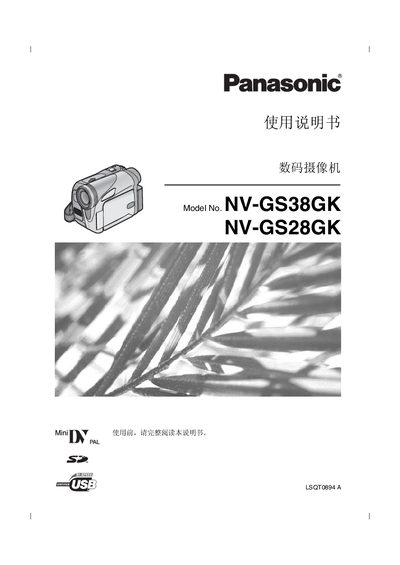
Panasonic NV-GS38GK / NV-GS28GK Digital Camcorder User Manual
This manual provides detailed instructions for using Panasonic’s NV‑GS38GK and NV‑GS28GK digital camcorders. It includes safety precautions, setup steps, battery charging, tape and memory‑card handling, and how to operate recording and playback modes.
The document also lists technical specifications such as recording format, lens details, power consumption, and supported accessories, plus troubleshooting tips and warranty information. This manual is written in Japanese.
Panasonic NV-GS38GK specifications
| Recording format | Mini DV (SD format) |
|---|---|
| Tape size | 6.35 mm digital video tape |
| LCD monitor size | 2.5 inch |
| Image sensor | 1/6 inch CCD |
| Lens focal length | NV‑GS38: 1.9–57.0 mm, NV‑GS28: 2.1–50.4 mm |
| Optical zoom | NV‑GS38: 30:1, NV‑GS28: 24:1 |
| Power consumption (recording) | 2.6 W (viewfinder) / 3.2 W (LCD) |
Source: Panasonic NV-GS38GK / NV-GS28GK Digital Camcorder User Manual
All Panasonic NV-GS38GK documents by type
Day-to-day operation, settings and troubleshooting. Start here if the product is already set up.
Questions answered in these manuals
Can the camcorder record still pictures while recording video on tape?
Yes, press the PHOTO SHOT button while recording video on tape to capture still pictures.
From: Panasonic NV-GS38GK / NV-GS28GK Digital Camcorder User Manual