
NV-GS328GK is a digital camera produced by Panasonic. It features a 1/4.5-inch 10 megapixel lens and supports SD/SDHC/miniSD storage cards. It is equipped with the Leica Dicomar lens and comes with SweetMovieLife and MotionDV STUDIO software.
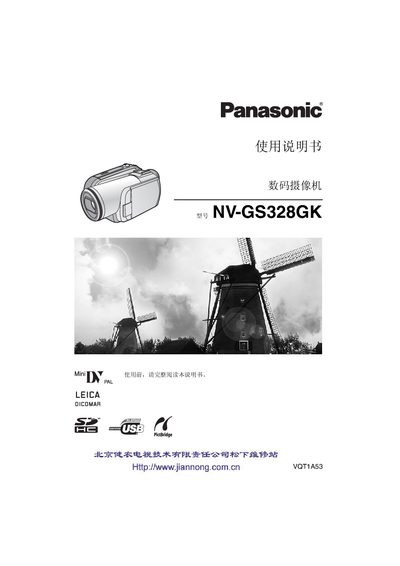
This manual covers safety precautions, battery charging, and basic handling before using the camera. It lists required accessories, explains how to install the battery, connect power sources, and attach optional lenses and filters.
The guide details camera functions such as zoom, playback modes, LCD operation, and menu navigation. It also includes troubleshooting tips, a quick‑reference guide, and regulatory information about hazardous substances. This manual is written in Chinese.
| Optical Zoom | up to 10× |
|---|
The camera can zoom in up to 10× optically.
Avoid fire, water, and moisture; keep the camera away from liquids and flammable materials.