
Key facts
Start here
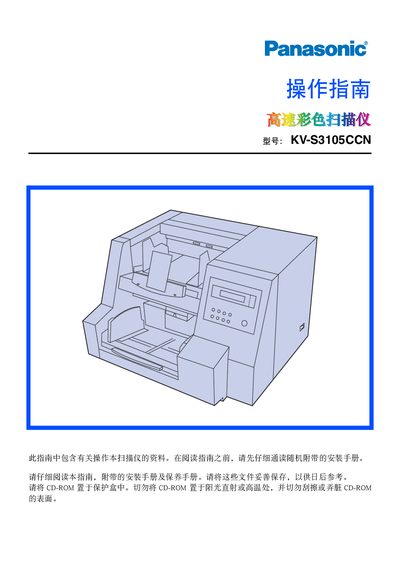
Panasonic KV-S3105CCN Scanner Operating Instructions
User Manual 61 pages · 2.2 MB · ZH
This manual explains how to install, configure, and operate the Panasonic KV‑S3105CCN high‑speed colour scanner. It covers system requirements, scanner settings, paper handling, and safety precautions for users and service technicians.
Key sections include detailed component descriptions, LCD screen guidance, paper‑feed adjustments, cleaning procedures, consumable replacement, technical specifications, and a troubleshooting guide with error codes and remedies. This manual is written in Chinese.
Panasonic KV-S3105CCN specifications
| Maximum scanning speed (black & white) | up to 130 ppm |
|---|---|
| Maximum scanning speed (color) | up to 130 ppm |
| Interface | USB 2.0 and SCSI |
| Memory | 256 MB or 512 MB |
| Power consumption | 11 W (200‑240 V) |
| Dimensions (W×D×H) | 627 mm × 546 mm × 415 mm |
| Weight | 52 kg |
| Operating temperature | 15 °C to 80 °C |
All Panasonic KV-S3105CCN documents by type
User Manual 2
Day-to-day operation, settings and troubleshooting. Start here if the product is already set up.
Questions answered in these manuals
What interfaces does the scanner support?
It supports both USB 2.0 and SCSI connections.
Can the scanner output files for OCR processing?
Yes, scanned images can be saved for OCR use.
What is the maximum paper capacity of the scanner’s feeder?
The feeder can hold up to 1000 sheets of 64 g/m² paper.