
Key facts
Start here
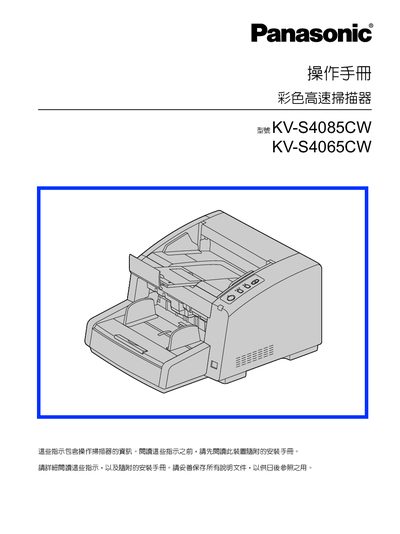
Panasonic KV-S4085CW / KV-S4065CW Color High-Speed Scanner User Manual
This manual introduces the Panasonic KV‑S4085CW and KV‑S4065CW color high‑speed scanners, describing their advanced paper‑feeding mechanism, scanning speed, and supported paper thicknesses. It also outlines the Energy Star compliance and FCC regulations applicable to the devices.
The guide includes detailed installation steps, safety precautions, power and grounding requirements, and routine maintenance procedures. It explains how to configure scanning settings, use the supplied software, and replace parts when necessary. This manual is written in Chinese.
Panasonic KV-S4085CW specifications
| Scanning speed (landscape) | 160 images per minute (KV‑S4085CW) |
|---|---|
| Scanning speed (landscape, KV‑S4065CW) | 120 images per minute |
| Supported paper weight | 20 g/m² to 209 g/m² |
| Interface | USB 2.0 |
| CPU requirement | Intel Core 2 Duo 1.8 GHz or higher |
| Memory requirement | 1 GB RAM or more |
| Hard‑disk space | 3 GB free space or more |
Source: Panasonic KV-S4085CW / KV-S4065CW Color High-Speed Scanner User Manual
All Panasonic KV-S4085CW documents by type
Day-to-day operation, settings and troubleshooting. Start here if the product is already set up.
Questions answered in these manuals
What USB interface should be used for optimal scanner performance?
The manual recommends using a USB 2.0 interface for the best speed and reliability.
From: Panasonic KV-S4085CW / KV-S4065CW Color High-Speed Scanner User Manual