
Key facts
Start here
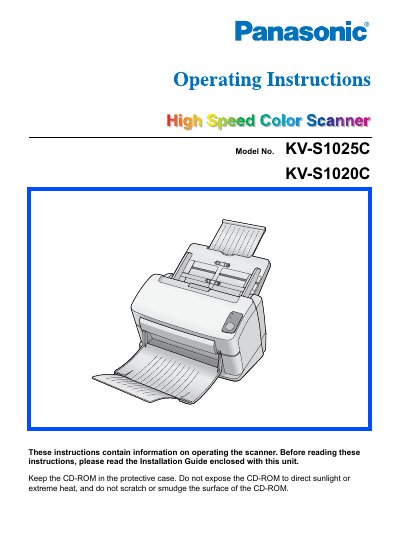
Panasonic KV-S1025C Hi-Speed Color Scanner Operating Instructions
This manual provides operating instructions for the Panasonic KV-S1025C High Speed Color Scanner. It includes information on setting up the hardware, installing necessary software drivers, and understanding acceptable versus unacceptable documents for scanning.
The guide also covers essential maintenance procedures such as cleaning the unit and replacing consumables like rollers. Additionally, it details safety precautions, troubleshooting steps, and repacking instructions for returning the device.
All Panasonic KV-S1025C documents by type
Day-to-day operation, settings and troubleshooting. Start here if the product is already set up.
Questions answered in these manuals
What documents are unacceptable for scanning?
The manual lists currency, bank notes and checks, passports, licenses, official or private documents, identification cards, copyright materials without consent, postage stamps, and other negotiable instruments as examples of illegal duplication.
From: Panasonic KV-S1025C Hi-Speed Color Scanner Operating Instructions
What should be done if the scanner emits smoke or unusual noise?
Stop operation immediately, turn the unit off, unplug the power cord, and contact your dealer for service.
From: Panasonic KV-S1025C Hi-Speed Color Scanner Operating Instructions
How do I clean the scanner?
Use the recommended roller cleaning paper (KV‑SS03) to clean the rollers and follow the cleaning instructions for the scanner’s exterior and interior.