
Key facts
Start here
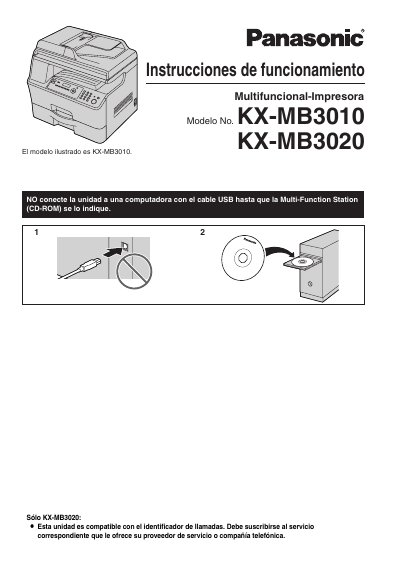
Panasonic KX-MB3010 KX-MB3020 Multifunction Printer User Manual
This document is the Spanish user manual for the Panasonic KX-MB3010 and KX-MB3020 multifunction printers. It provides instructions on installation, including the setup of the toner and drum cartridges, as well as connecting the device to a computer or network. The manual covers basic operations such as printing, scanning, copying, and faxing (for the KX-MB3020 model). This manual is written in Spanish.
Read onlineAll Panasonic KX-MB3010 documents by type
Day-to-day operation, settings and troubleshooting. Start here if the product is already set up.
Questions answered in these manuals
What is the default language setting for the printer's display and reports?
The default configuration is English, though users can choose between English or Spanish.
From: Panasonic KX-MB3010 KX-MB3020 Multifunction Printer User Manual
How long must the unit remain turned on after printing to extend the life of the drum cartridge?
The unit should stay ON for a minimum of 30 minutes immediately after printing.
From: Panasonic KX-MB3010 KX-MB3020 Multifunction Printer User Manual
Which models does this manual cover?
It covers the Panasonic KX-MB3010 and KX-MB3020 Multi-Function Printers.
Does the KX-MB3010 support fax and caller ID?
No, fax and caller ID features are available on the KX-MB3020 only.