
Key facts
Start here
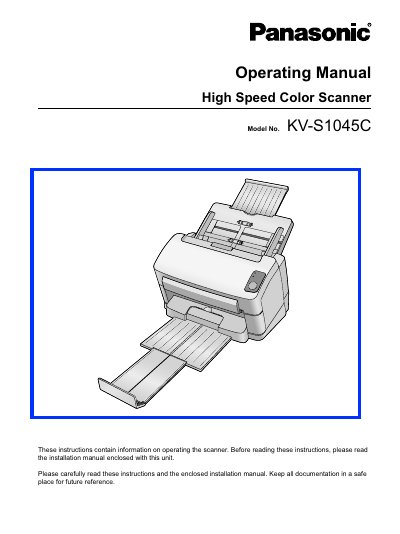
Panasonic KV-S1045C High Speed Color Scanner Operating Manual
This document serves as the Operating Manual for the Panasonic KV-S1045C High Speed Color Scanner. It provides instructions on operating the scanner, including part names, features, and maintenance procedures. Users are advised to read the enclosed Installation Manual first for setup procedures.
Read onlinePanasonic KV-S1045C specifications
| Operating System | Windows 2000 / Windows XP / Windows Vista |
|---|---|
| Interface | USB 2.0 |
| Memory Requirement | 256 MB or higher |
| Hard Disk Space | 5 GB or more free space |
Source: Panasonic KV-S1045C High Speed Color Scanner Operating Manual
All Panasonic KV-S1045C documents by type
Day-to-day operation, settings and troubleshooting. Start here if the product is already set up.
Questions answered in these manuals
What operating systems are supported?
The scanner supports Windows 2000, Windows XP, and Windows Vista.
From: Panasonic KV-S1045C High Speed Color Scanner Operating Manual
What interface is required for the scanner?
A USB 2.0 interface is required, though USB 1.1 is slower.
From: Panasonic KV-S1045C High Speed Color Scanner Operating Manual
What safety precautions should be taken before using the scanner?
Read all safety warnings, keep the unit away from water, metal objects, heat sources, and never touch internal components with wet hands.
Which operating systems are supported by the KV‑S1045C scanner?
The scanner works with Windows 2000, Windows XP, and Windows Vista.