
Key facts
- Brand
- Panasonic
- Model
- KX-MB3028CN
- Category
- All-in-one printer
- Industry
- Computers
- Documents
- 2
- Languages
- ZH
- Last added
- 2012-03-17
Start here
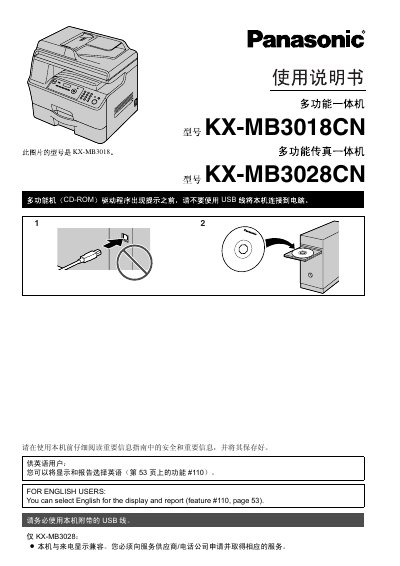
Panasonic KX-MB3018CN KX-MB3028CN Multi-function All-in-One User Manual
This user manual covers the Panasonic KX-MB3018CN and KX-MB3028CN multi-function all-in-one devices. It includes safety information, setup steps, and an explanation of the control panel buttons.
The manual describes printing from Windows, scanning from the machine or computer, copying, and faxing on the KX-MB3028. It also covers LAN setup, programmable features, maintenance, cleaning, paper jams, and product specifications. This manual is written in Chinese.
Panasonic KX-MB3028CN specifications
| Toner cartridge model | KX-FAC405CN |
|---|---|
| Drum model | KX-FAD406CN |
| Optional lower paper tray model | KX-FAP106CN |
| Laser output | Max 6.5 mW |
| Laser wavelength | 760 nm - 800 nm |
| Display languages | Chinese or English |
Source: Panasonic KX-MB3018CN KX-MB3028CN Multi-function All-in-One User Manual
All Panasonic KX-MB3028CN documents by type
Day-to-day operation, settings and troubleshooting. Start here if the product is already set up.
Questions answered in these manuals
Can the display language be changed to English?
Yes. You can select English for the display and report using feature #110 on page 53.
From: Panasonic KX-MB3018CN KX-MB3028CN Multi-function All-in-One User Manual
Which models support fax and caller ID?
Fax and caller ID functions are available only on the KX-MB3028 model.
From: Panasonic KX-MB3018CN KX-MB3028CN Multi-function All-in-One User Manual