
Key facts
- Brand
- Motorola
- Model
- MC70
- Industry
- Industrial
- Documents
- 2
- Languages
- EN
- Last added
- 2012-06-07
Start here
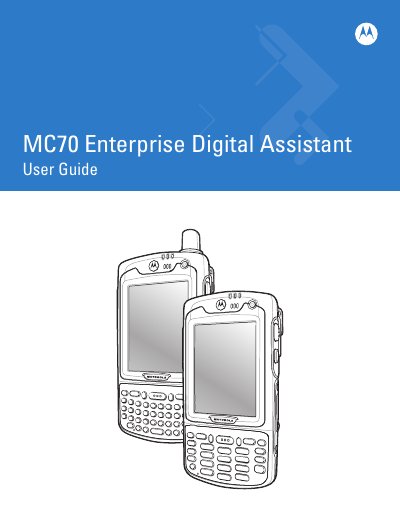
Motorola MC70 Enterprise Digital Assistant User Guide
This guide walks users through unpacking, installing the main battery, and charging procedures for the MC70 Enterprise Digital Assistant. It also covers basic operation, including keypad configuration, backlight settings, and using the device with Windows Mobile 5.0 and 6.1.
Later chapters describe advanced features such as linear and imager scanning, status icons, and service information. The manual includes revision history, safety notices, and contact details for Motorola support.
Motorola MC70 specifications
| Output-Output Skew (Rising) | < 500 ps |
|---|---|
| Input Frequency Range | 5MHz — 2X_Q FMAX spec. |
| Output Drive Current | +36 mA |
| Operating Temperature Range | -40° C to +85° C |
All Motorola MC70 documents by type
Day-to-day operation, settings and troubleshooting. Start here if the product is already set up.
Ratings, dimensions and ordering codes, for selection and design work.
Questions answered in these manuals
How many clock outputs does the MC88915T provide?
The device provides five 'Q' outputs (Q0-Q4), plus additional outputs for inverted, doubled, and halved frequencies.
What is the function of the PLL_EN pin?
Pulling the PLL_EN pin low disables the VCO and puts the chip into a static 'test mode' for low frequency board testing.
How do you turn on the MC70 device?
Powering on the EDA is described in the "Powering On the EDA" section of the guide.
How can the backlight settings be changed?
The manual provides instructions for changing both the display and keypad backlight settings.