
The MC70 Enterprise Digital Assistant User Guide provides instructions on how to use the MC70 Enterprise Digital Assistant, including its features and characteristics.
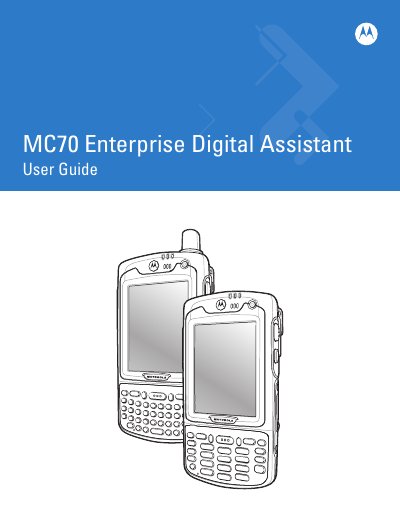
This guide walks users through unpacking, installing the main battery, and charging procedures for the MC70 Enterprise Digital Assistant. It also covers basic operation, including keypad configuration, backlight settings, and using the device with Windows Mobile 5.0 and 6.1.
Later chapters describe advanced features such as linear and imager scanning, status icons, and service information. The manual includes revision history, safety notices, and contact details for Motorola support.
| Battery capacity options | 3600 mAh, 4800 mAh |
|---|
Powering on the EDA is described in the "Powering On the EDA" section of the guide.
The manual provides instructions for changing both the display and keypad backlight settings.